Windows Local LLM - Ollama + qwen3-coder:30b
If you got a decent Nvidia GPU for gaming, you can run a local LLM to help code instead of being limited by Cursor / Antigravity free tier limits or paying monthly.
And chances are if you got a GPU for gaming, you're running windows. So here's how I went about setting it up in Windows 11.
Install Ollama - There is a Download button on the home page https://ollama.com/
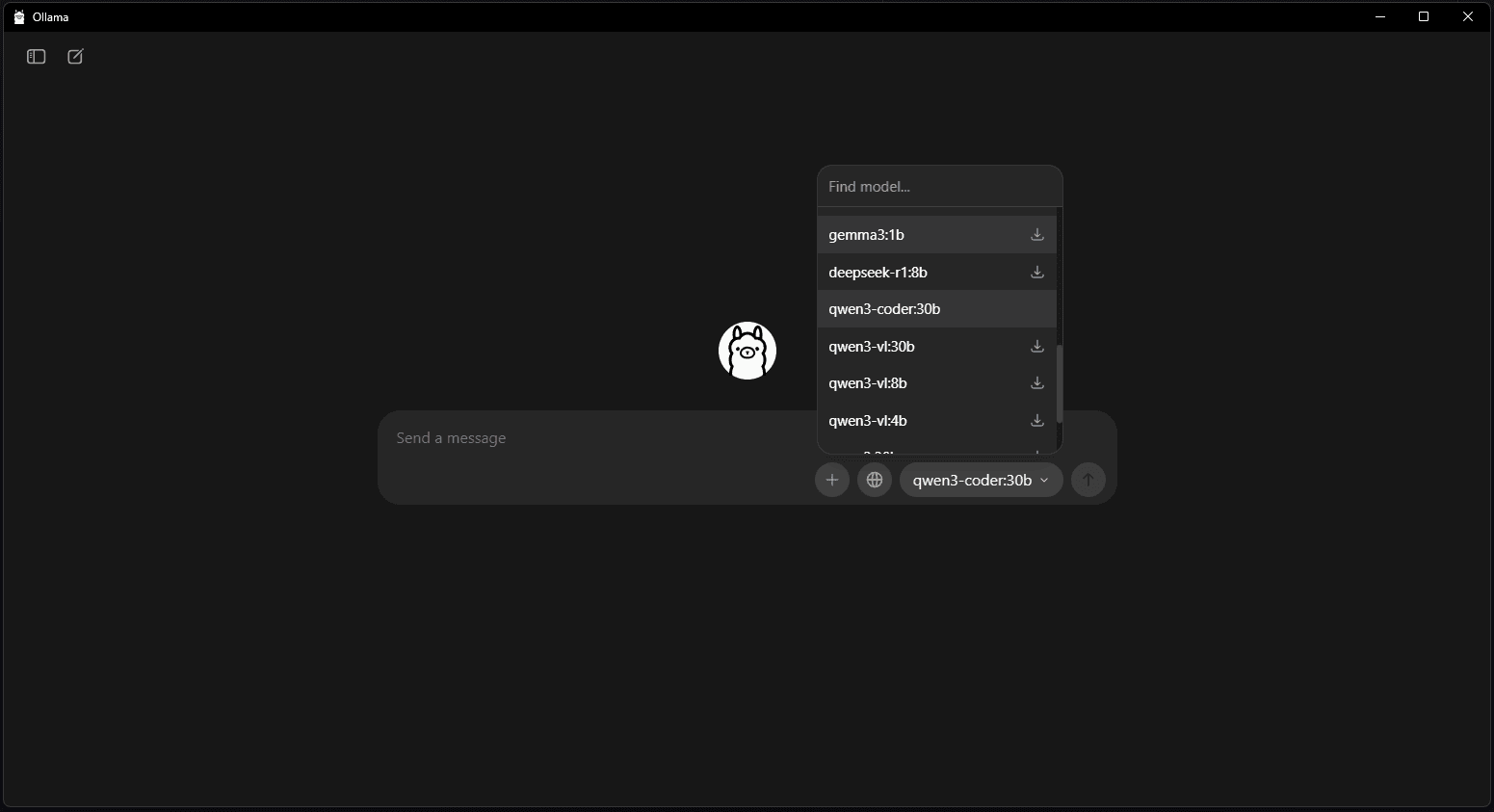
Since I'm on windows it auto detected and linked to https://ollama.com/download/OllamaSetup.exe. Install Ollama from the .exe fileDownload the model via Ollama The specific one I used was https://ollama.com/library/qwen3-coder:30b
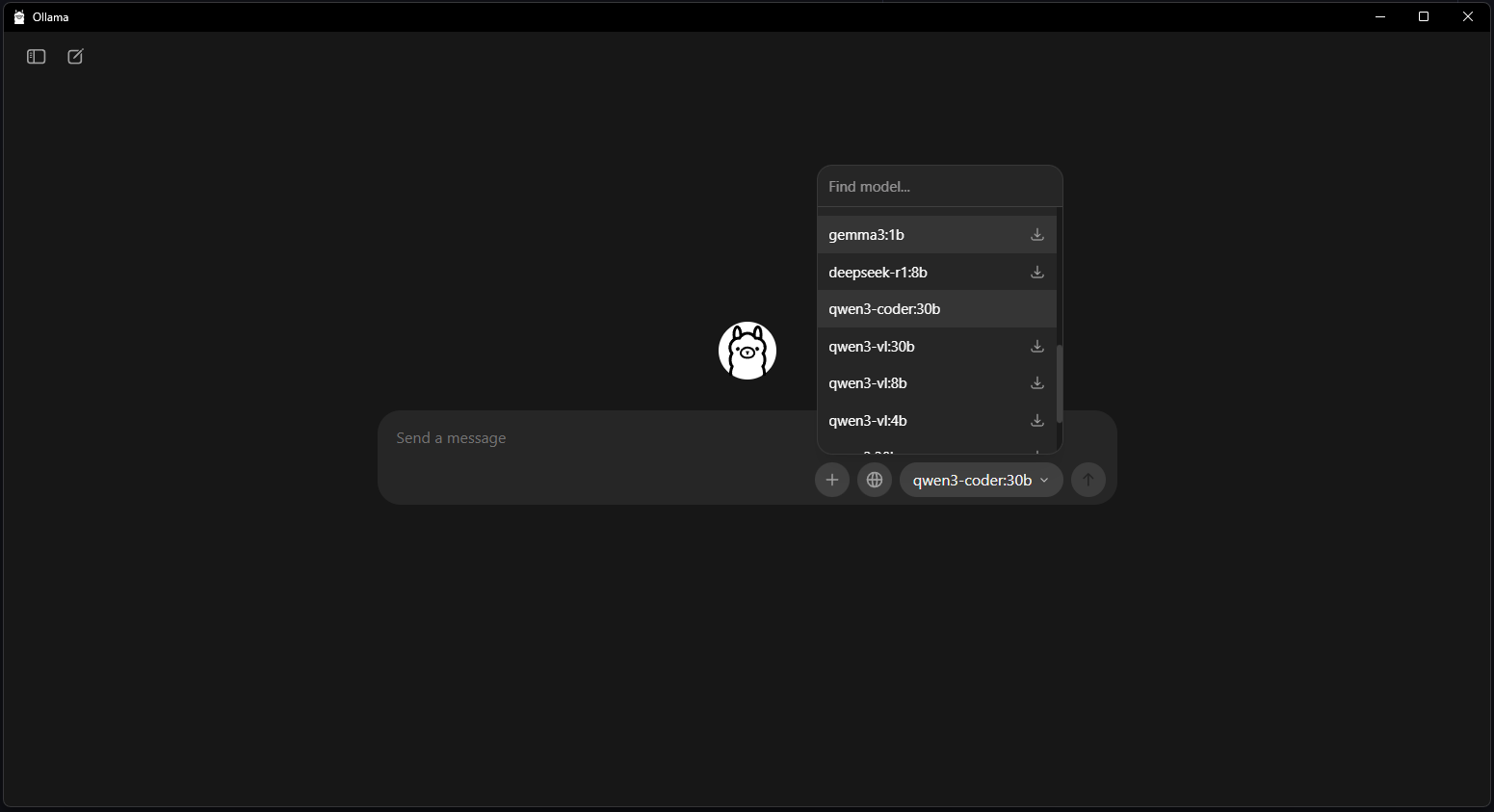
When it's ready, you should be able to ask it questions here itself or say hi to make sure it's running.
Using the model
I tried various IDEs / VSCode extensions to get something as close to Cursor as I could. It's not quite as polished as Cursor but ultimately I settled on VSCode + Continue.dev extension.
IDEs
All IDEs and extensions I tried I was using qwen3-coder:30b.
PearAI was continuously getting stuck in a loop. I didn't spend much time trying to tweak configurations nor other models as I specifically wanted to use qwen3
Void worked out of the box after selecting a model but it only shows the preview code edits in the sidebar instead of inline in the file like Cursor does. You still need to click apply or use a keyboard shortcut for it to insert the changes.
VSCode Extensions
Roo Code was getting stuck in a loop as well using the out of the box Code role. Despite some effort to create custom modes with different Role definitions, it was still getting stuck in a loop.
Ollama Autocoder - I could not get this working well. I had to run Ctrl + Shift + P to trigger the Autocomplete with Ollama and it honestly didn't do a very good job if it did anything at all
Continue.dev - this is similar to Void in that the changes are shown in the sidebar and you can apply the changes to the file with a click or keyboard shortcut.
VSCode + Local LLM + Continue.dev Configuration
In the Continue extension settings, you will need to update the local config
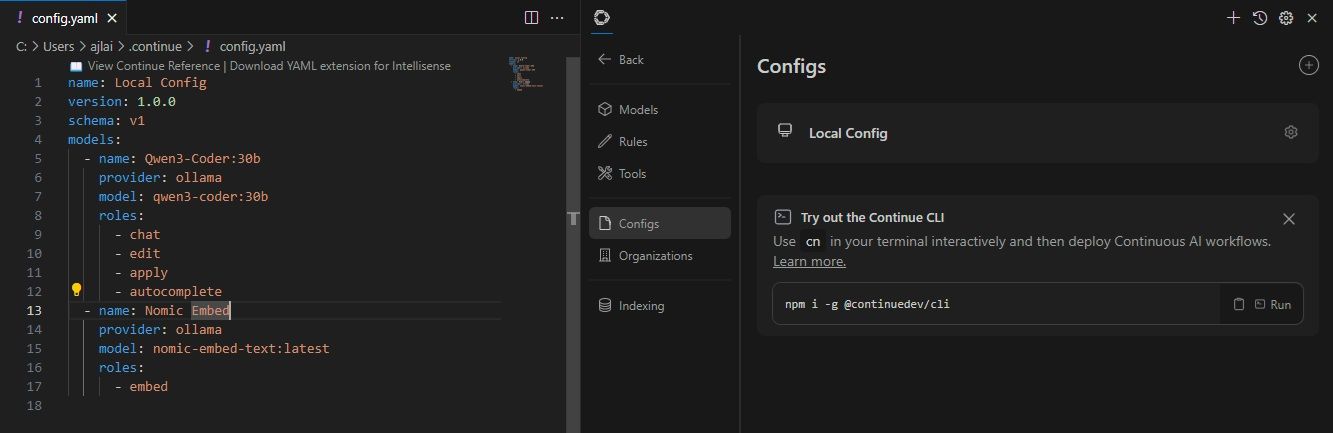 and the models to use:
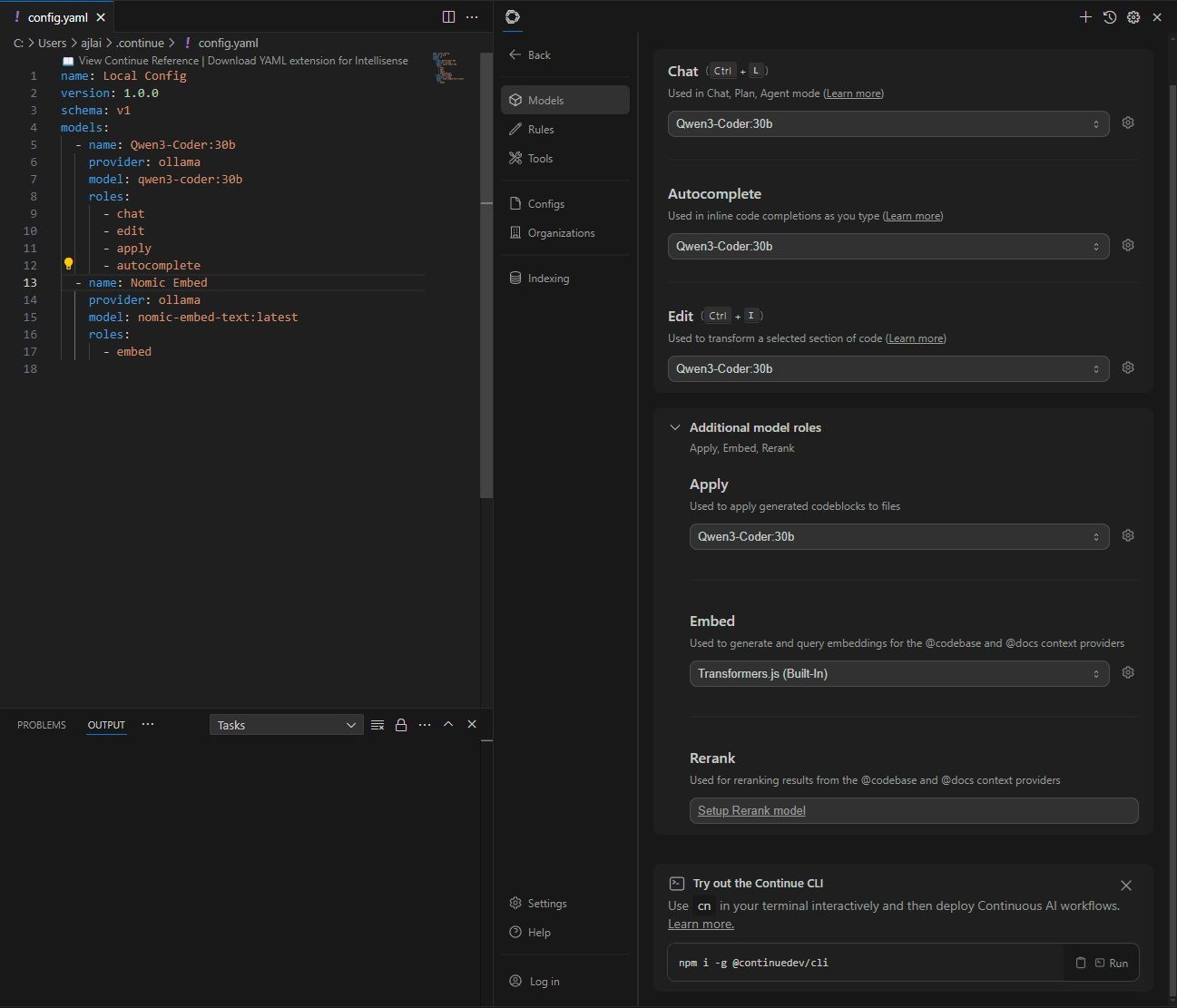 Select local config and generate!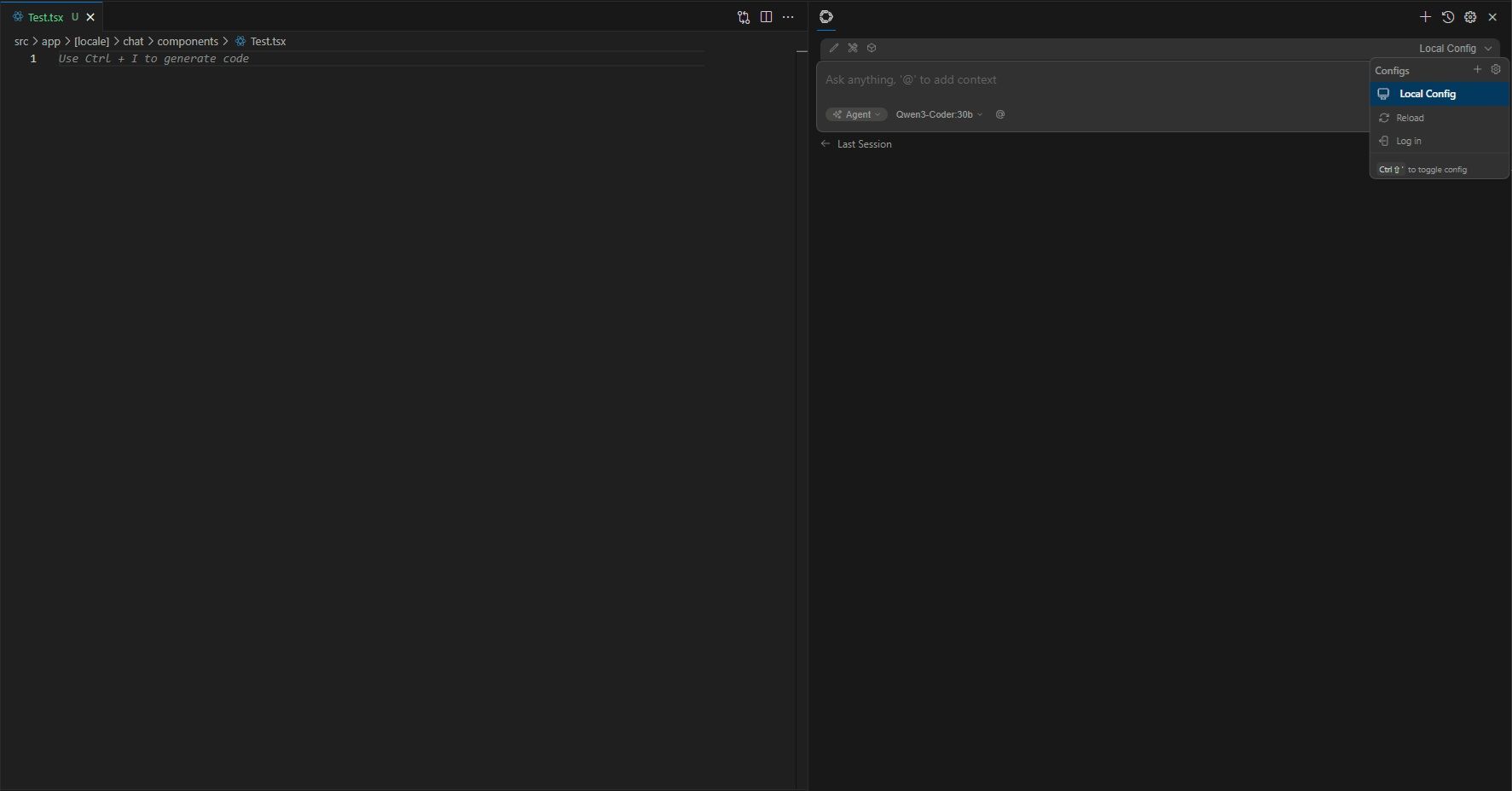
It doesn't do as good of a job as Cursor but that could potentially be improved by updating the agent system rules or by maybe trying other models.